BD-PCIE-M215BM


Designed for
Drop-In AI Acceleration
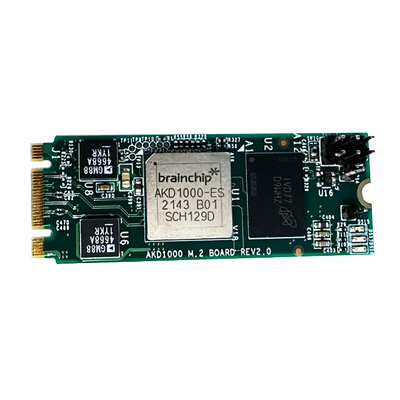
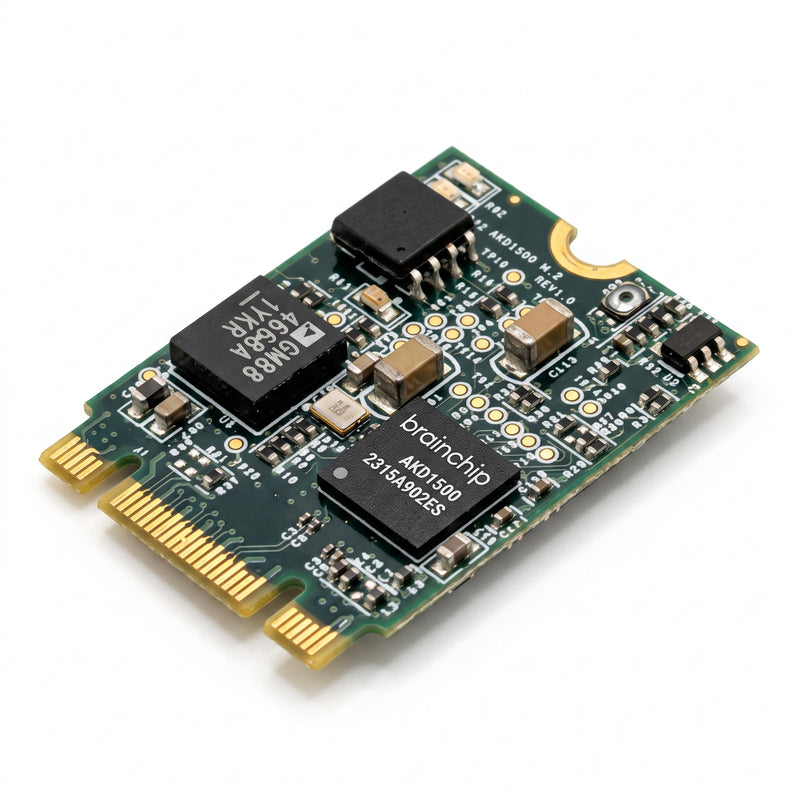
Standard M.2 B+M Key form factor
Healthcare and Remote Sensing
Low-power always-on inference
Anomaly Detection and Keyword Spotting
On-chip learning
Smart Home and Consumer Devices
Ultra-low-power edge AI
Quick Start
-
1. Power off host systemEnsure the system is fully powered down before installing the M.2 card.
-
2. Insert the M.2 cardSlide into an M.2 2230 B+M Key slot at an angle, press flat and secure with the retention screw.
-
3. Power onBoot the host system with the M.2 card installed.
-
4. Install the Akida driverFollow the driver installation guide to complete setup.
Architecture
Akida AKD1500 neuromorphic co-processor
Form factor
M.2 2230, B+M Key
Host interface
PCIe or SPI
Performance
800 GOPS at less than 300 mW
On-chip learning
Yes (adaptive, no cloud required)
Host compatibility
Raspberry Pi 5 and compatible hosts
Thermal
Fanless
Download Product Brief
Download Datasheet
Download Driver
Compatible boards, cables, and reference platforms.