BD-AKD1500P-A


What's in the box
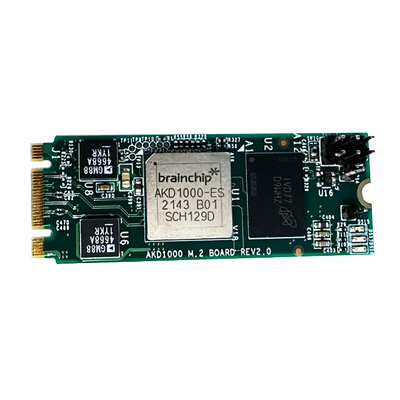
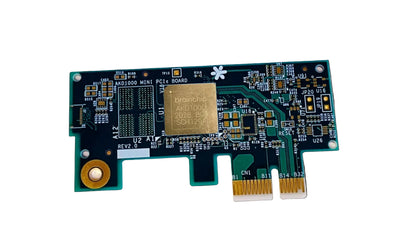
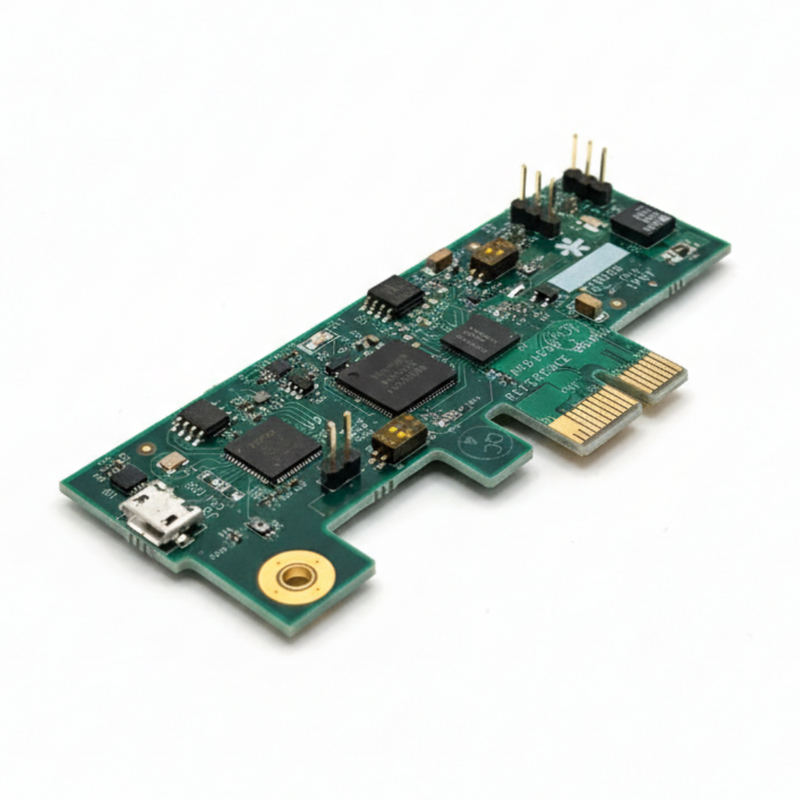
- AKD1500 PCIe Development Card
Designed for
Defense and Industrial AI
High-efficiency edge inference
Healthcare Sensing Applications
Low-power always-on sensing
Anomaly Detection and Keyword Spotting
On-chip learning
Drop-In AI Acceleration for x86 and SBCs
Standard PCIe form factor
Quick Start
-
1. Power off host computerEnsure the system is fully powered down before installing the PCIe card.
-
2. Insert AKD1500 PCIe cardInsert into a one-lane PCIe slot (x1 board fits x2/x4/x8 slots — ensure correct alignment to avoid damage).
-
3. Power onBoot the host computer with the PCIe card installed.
-
4. Install the Akida driver for LinuxFollow the driver installation guide to complete setup.
Architecture
Akida AKD1500 neuromorphic co-processor
Interface
PCIe 2.0 x1
Performance
800 GOPS at less than 300 mW
Host compatibility
x86, ARM, RISC-V via PCIe or SPI
On-chip learning
Yes (adaptive, no cloud required)
OS support
Linux
Form factor
Standard PCIe card
Compatible boards, cables, and reference platforms.