BD-AKD1000P-A


What's in the box
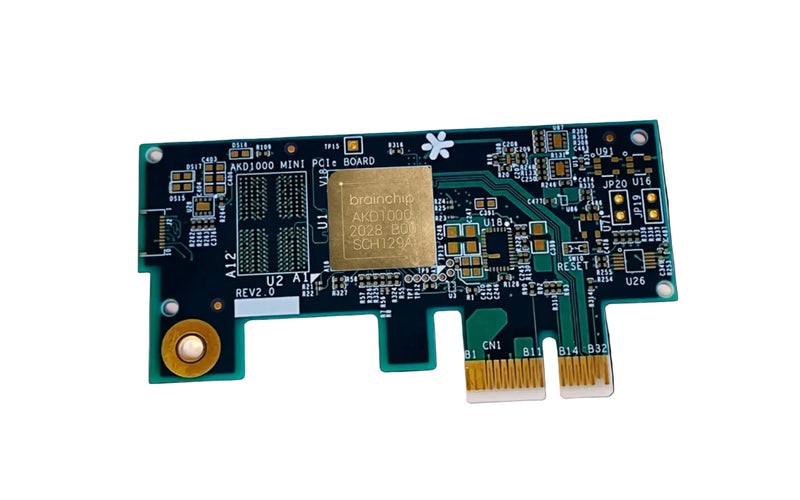
- AKD1000 PCIe Board
Designed for
Edge AI Development & Prototyping
Drop-In AI Acceleration
Object Detection & Classification
Industrial & Enterprise AI
Quick Start
-
1. Power off host computer
-
2. Insert AKD1000 PCIe board into a one-lane PCIe slot (x1 board fits x2/x4/x8 slots — ensure correct alignment to avoid damage)
-
3. Power on
-
4. Install the Akida driver for Linux
CPU
ARM Cortex-M4 32-bit (subblock of Akida)
RAM
256M×16 bytes LPDDR4 SDRAM @ 2400 MT/s
Flash
Quad SPI 128Mb NOR, 12.5MHz
Interface
PCIe 2.0 x1 (5 GT/s)
GPIO
2 LEDs; onboard Akida core current monitor
OS support
Linux (x86-64 or ARM)
Dimensions
40mm × 76mm × 5.3mm (excl. bracket)
Weight
15g (excl. bracket)
Bracket
Small form factor 1.6″ × 3″ PCIe rear panel bracket included
Compatible boards, cables, and reference platforms.