DK-RB5-M210
What's in the box
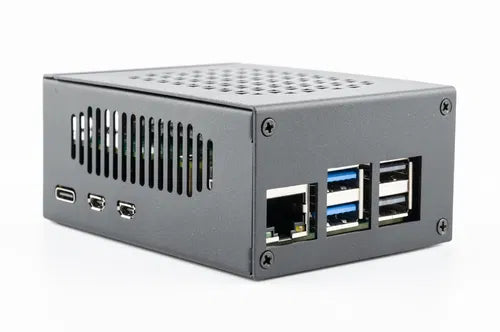
- Raspberry Pi 5 SBC
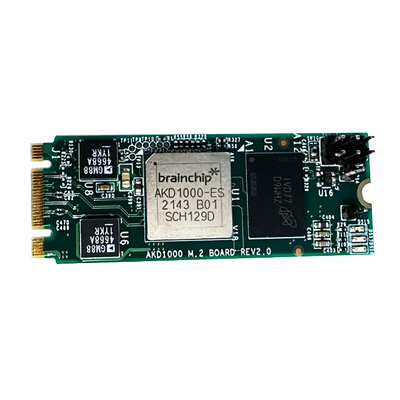
- AKD1000 M.2 Card B+M Key
- Pre-configured 32GB SD Card (Akida demos + MetaTF)
- USB-C Power Supply
Designed for
Edge AI Prototyping
Visual Object Classification
Anomaly Detection
Edge Impulse Model Deployment
Quick Start
-
1. WirelessConnect the USB-C power supply. Join the 'akida-devkit' Wi-Fi network on your phone or laptop, then navigate to http://10.42.0.1 in a browser (popups enabled).
-
2. WiredConnect the USB-C power supply. Plug the device into a network switch/router with an ethernet cable, then navigate to http://<device_ip_address> in a browser. IP address assigned by your DHCP server.
SoC
Broadcom BCM2712, 2.4GHz quad-core 64-bit Arm Cortex-A76 CPU
GPU
Broadcom VideoCore VII, 800MHz, supporting OpenGL ES 3.1 and Vulkan 1.2
RAM
16GB LPDDR4 SDRAM
Networking
Gigabit Ethernet, Bluetooth 5.0, Dual-band 802.11ac Wi-Fi
Akida
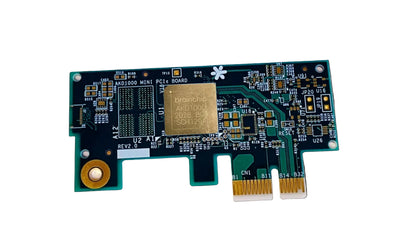
AKD1000 on M.2 B+M Key (pre-installed)
Interfaces
PCIe 2.0 x1, 2× USB 3.0
Display
Dual 4Kp60 HDMI with HDR support
Storage
External MicroSD (SDR104 mode)
OS
Linux (MetaTF pre-installed)
Compatible boards, cables, and reference platforms.